How do I reset my password?
Written By Max Muir
Last updated Over 1 year ago
🔐 How to Reset Your Password on TradrLab
If you’ve forgotten your password, don’t worry — resetting it only takes a few minutes.
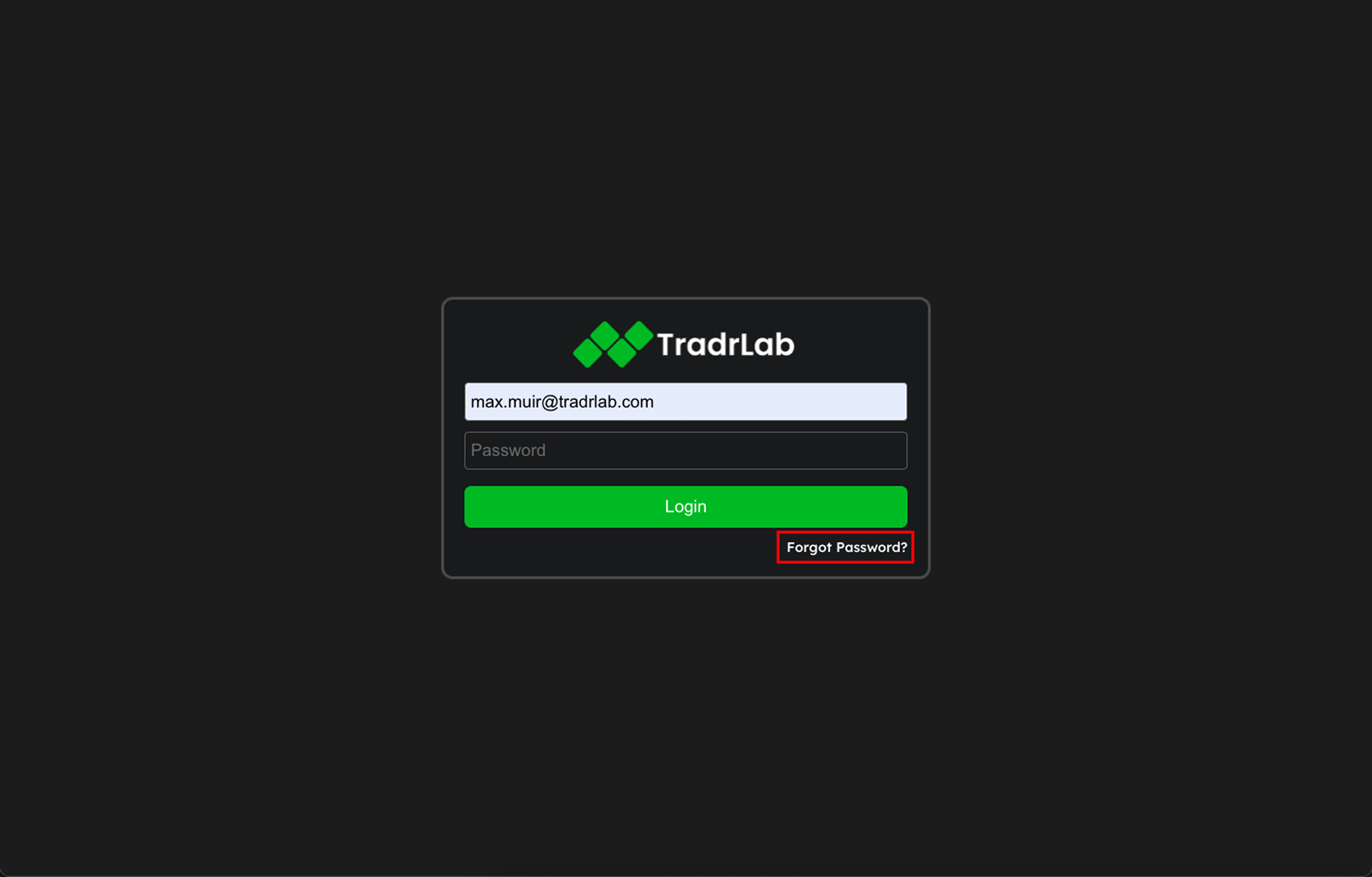
On the login screen, click "Forgot Password?"
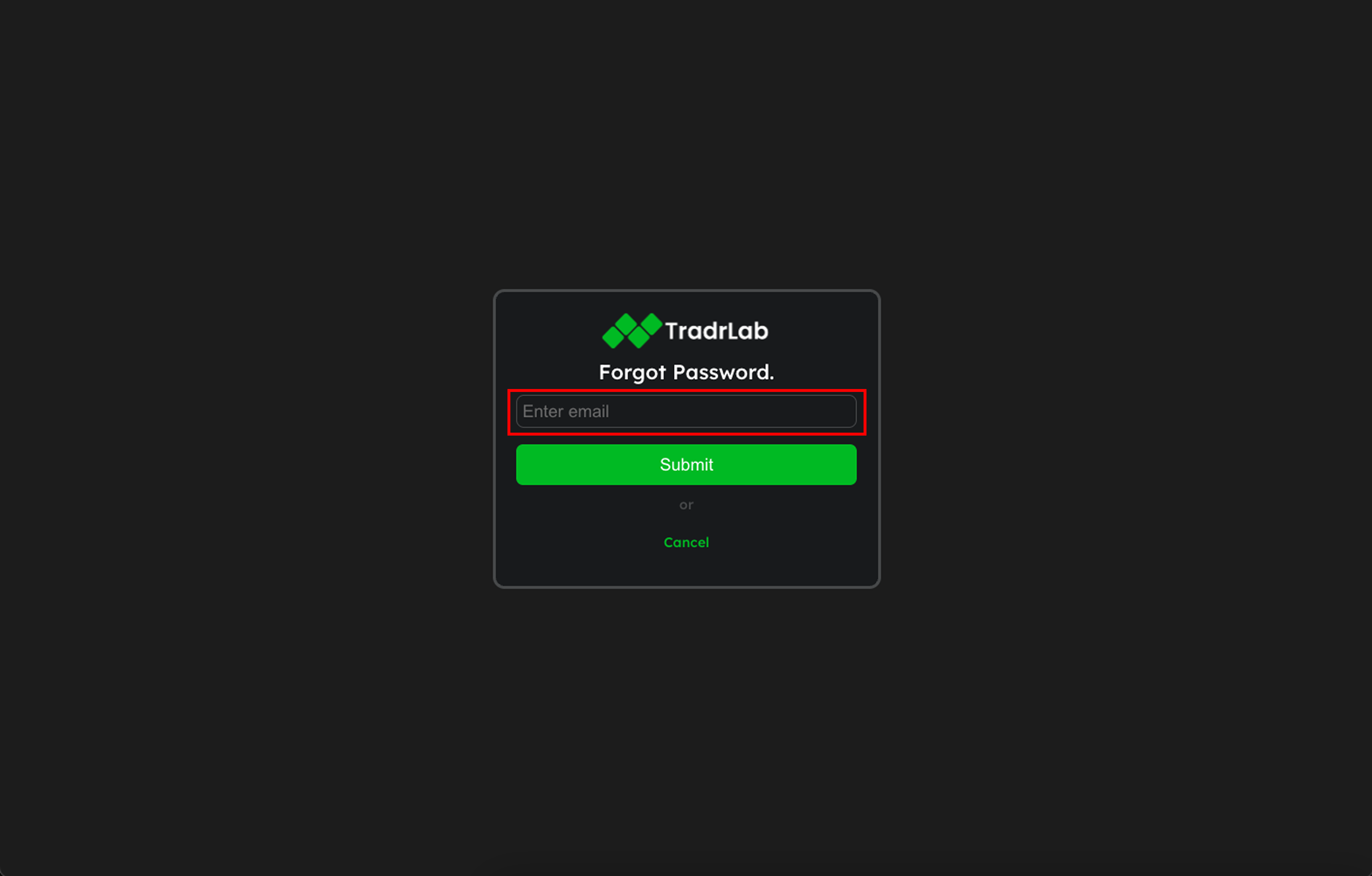
Enter your registered email address and click Submit
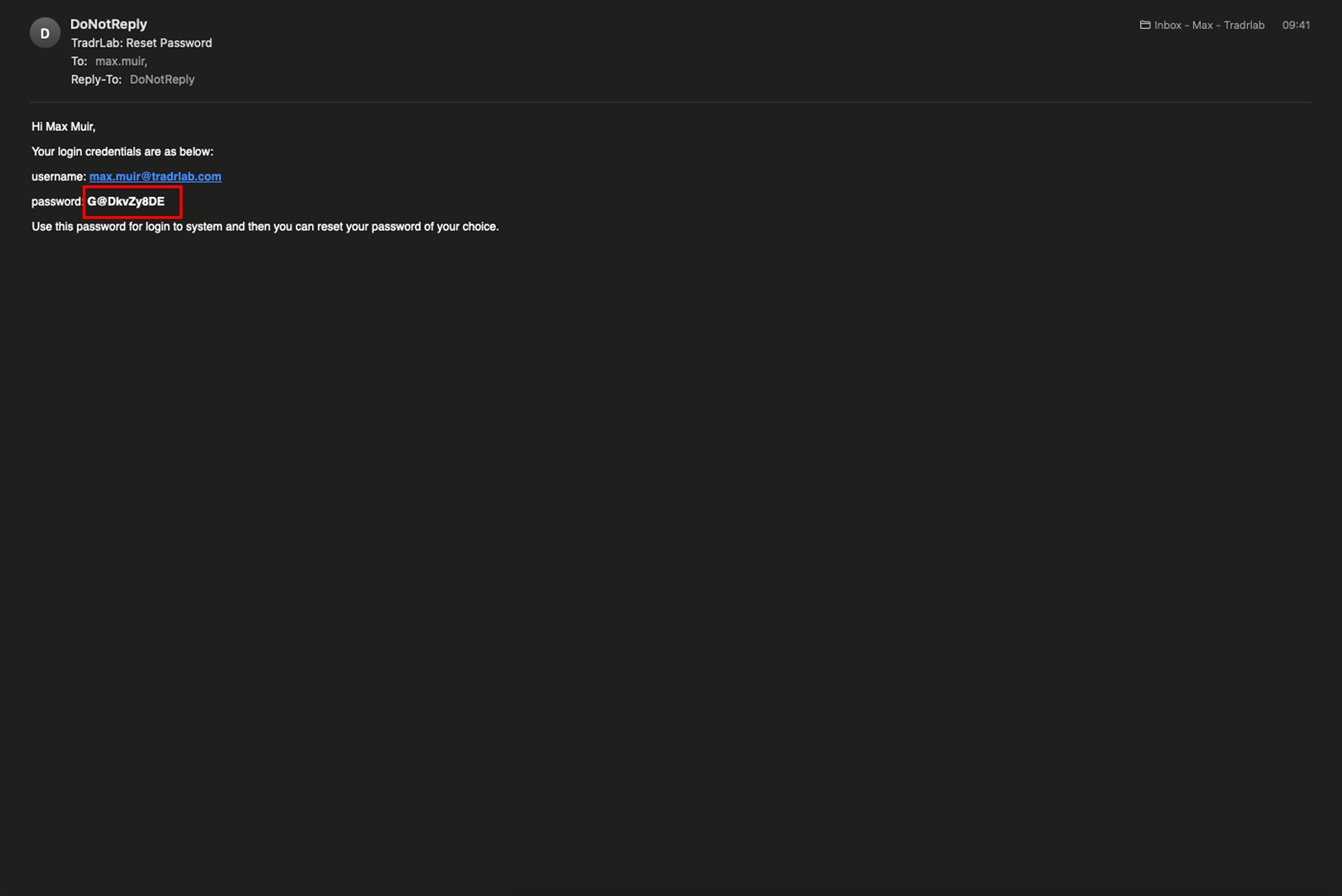
Check your inbox for an email from donotreply@tradrlab.com and copy the temporary password
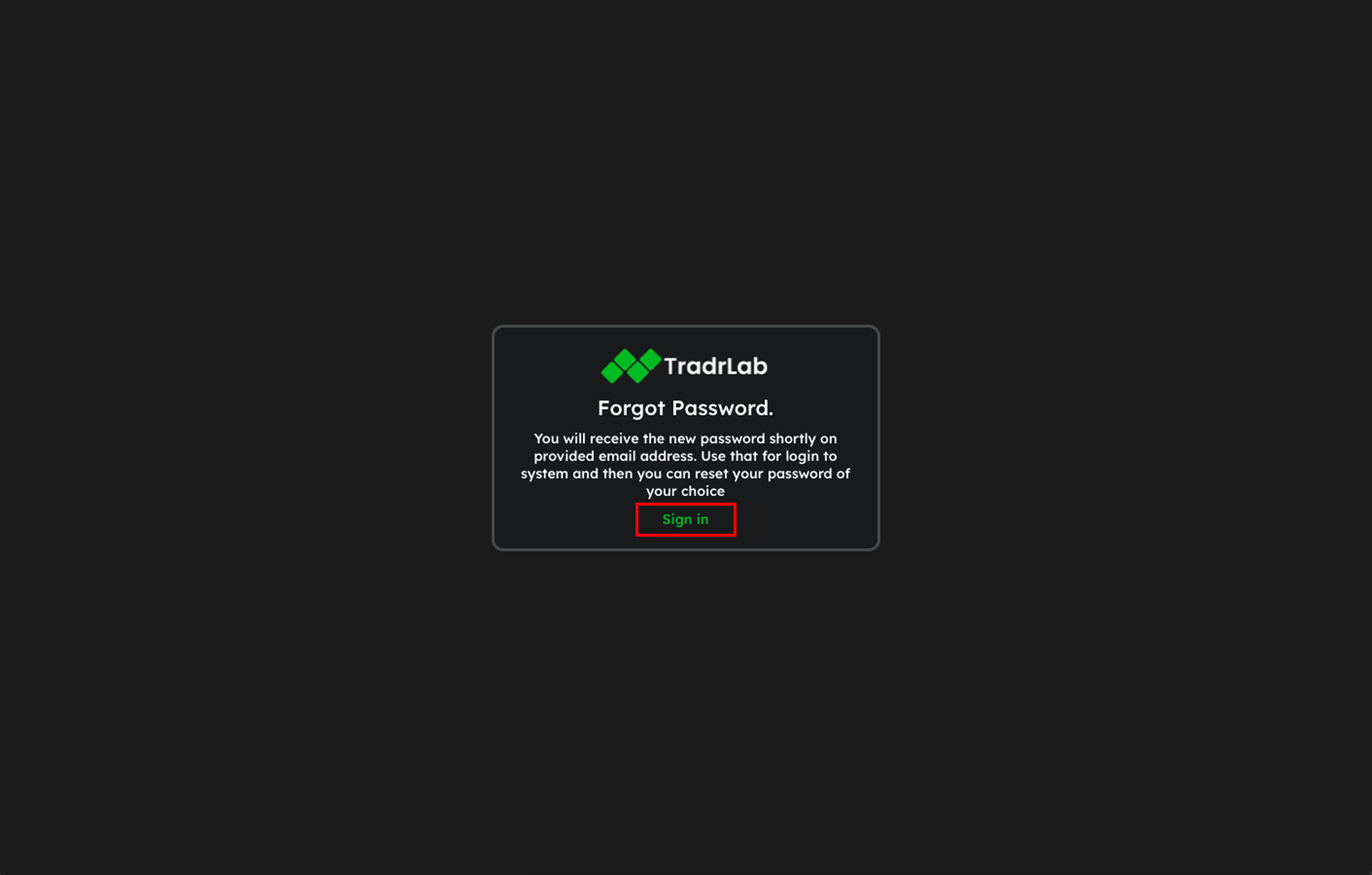
Go back to the login screen and click Sign in
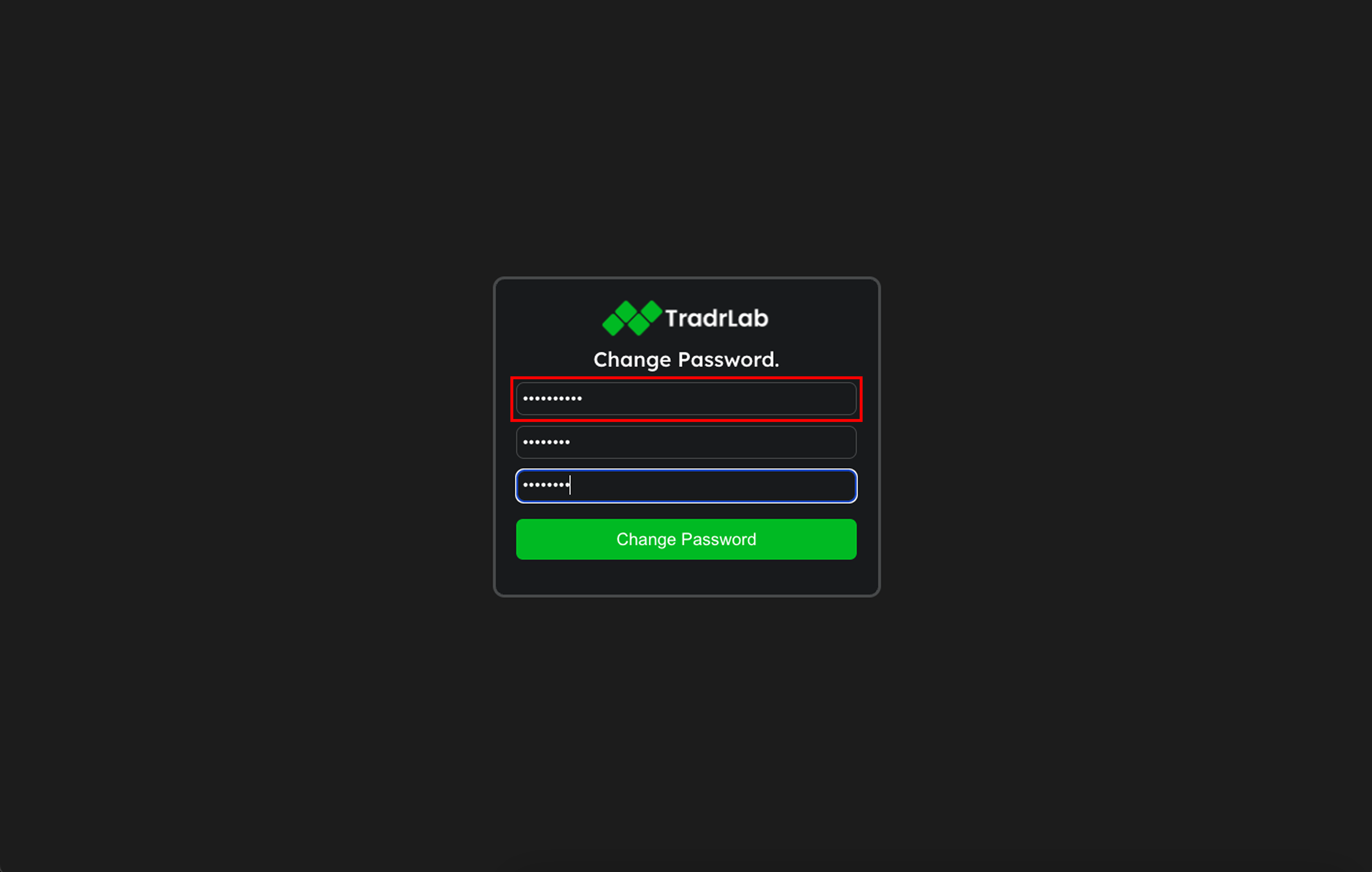
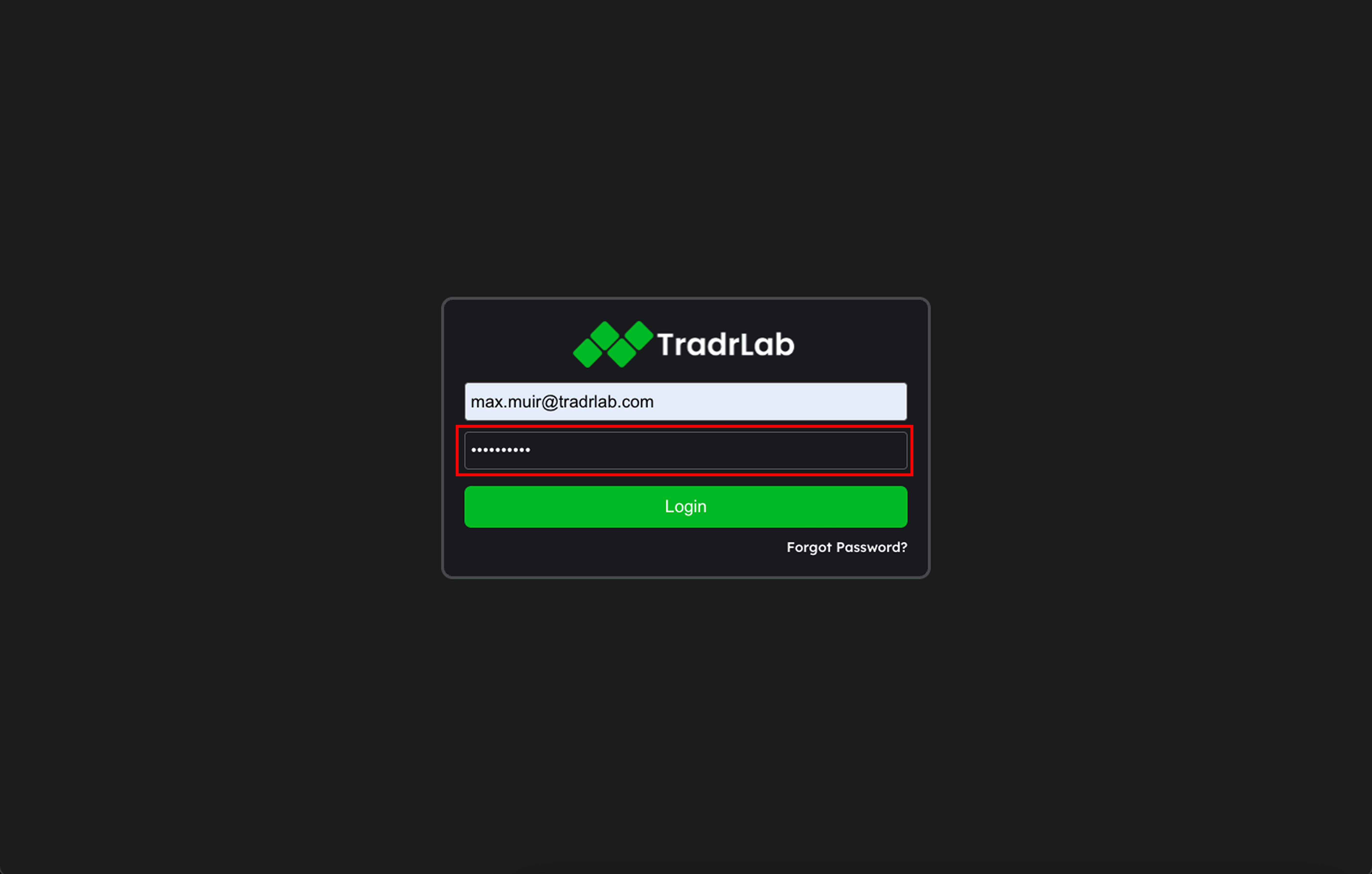
Paste the temporary password into the password box and log in
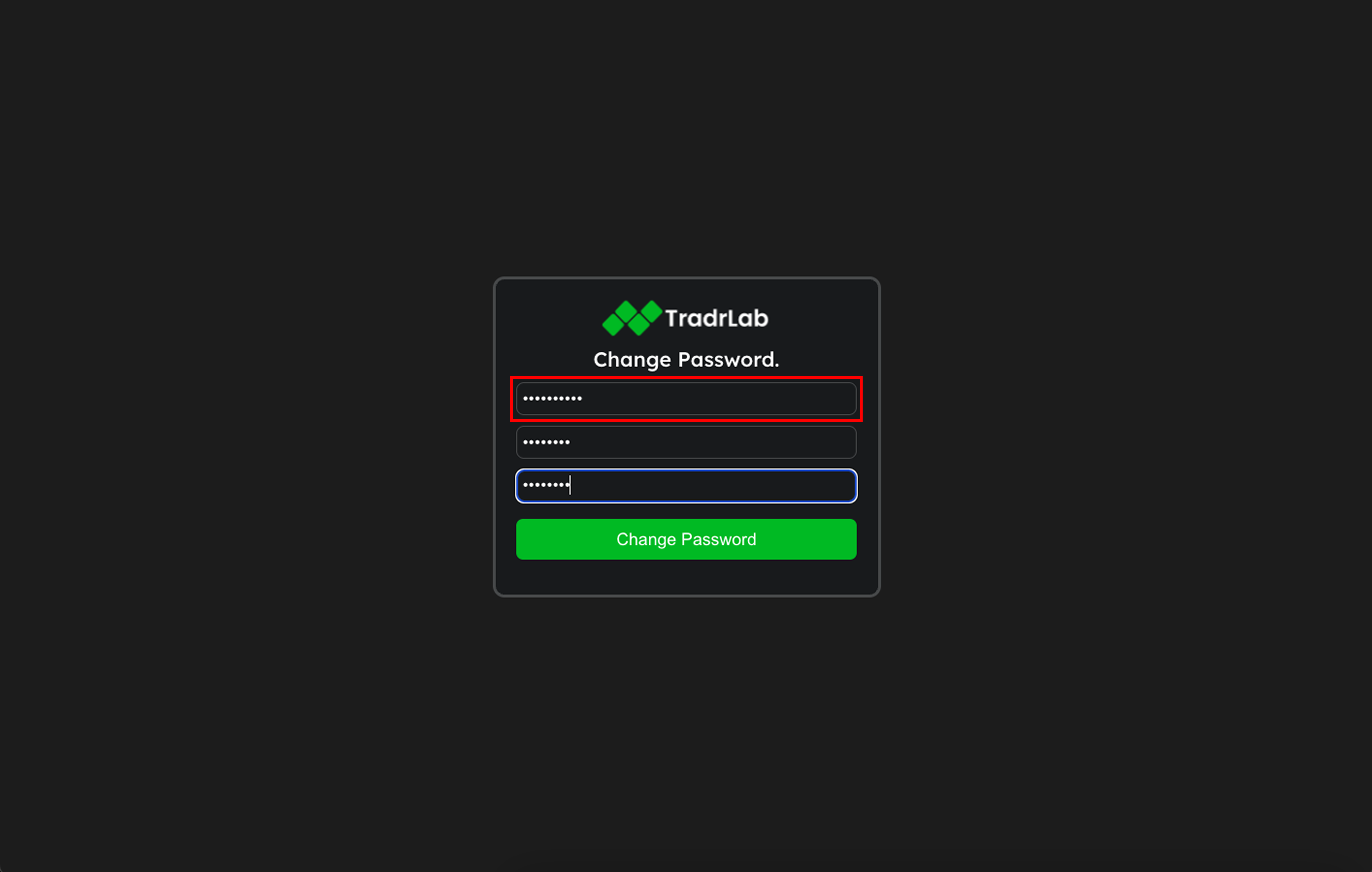
You’ll now be prompted to change your password:
Enter the temporary password as your current one
Choose and confirm your new password
Click Change Password and you're all set!
Was this helpful?
Still need help? Ask the team